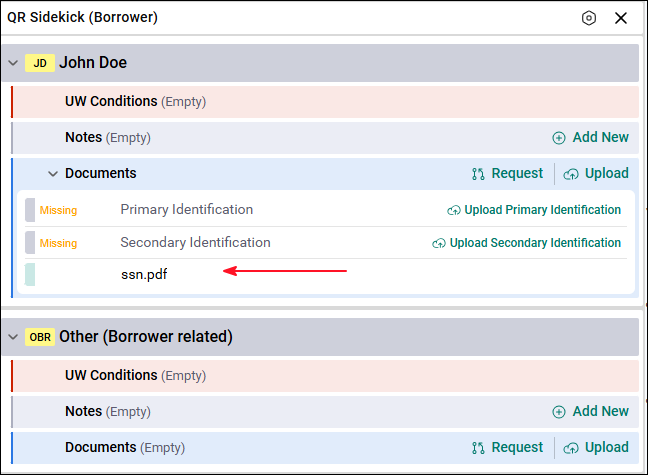
SideKick keeps all loan documents organized in the correct location. This helps Underwriters create conditions, review documents faster, and speed up the approval process. SideKick allows users to upload documentsonce they are received.
Uploading Documents
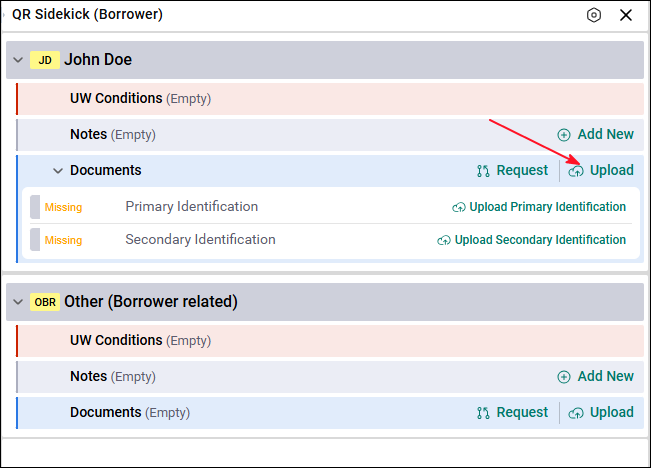
The Upload option in SideKick allows users to upload documents directly to the correct location. This ensures documents are placed where they belong from the start.
How Upload Works
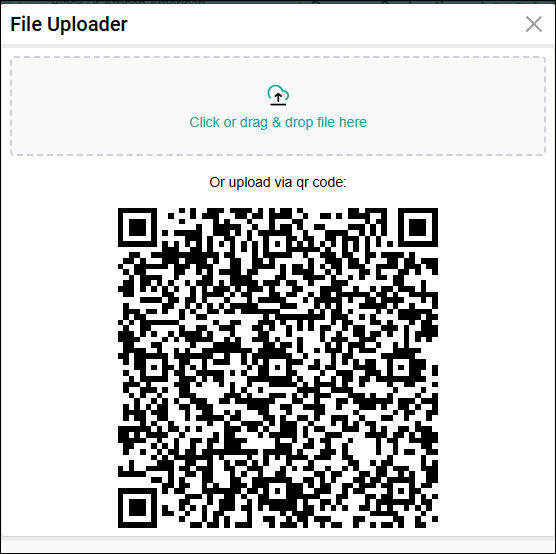
When the user selects Upload in SideKick:
- They choose the file from their device.
- The document is uploaded directly to the location they are currently viewing.
- Example: A Social Security Verification Letter can be uploaded directly under the borrower who needs that verification.
After Uploading
When the upload is complete:
- The document appears under the Documents section in SideKick
- The document name will match the name of the uploaded file
- At this point, the document is only uploaded, not indexed
- A user with the correct rights will need to complete the indexing process